Monitor a product from the shop's own page.
The extension adds a Monitor tag to product pages and search results on the shops we read. Press it on one product, or tick several in a search, and they go straight into your Gulf Pricing account.
Free with your Gulf Pricing account.
Their price Nahdi, Saudi Arabia
86.94SAR Checked at
Genius Nutrition, Creatine With Creapure, 100 Servings
Three ways to add a product
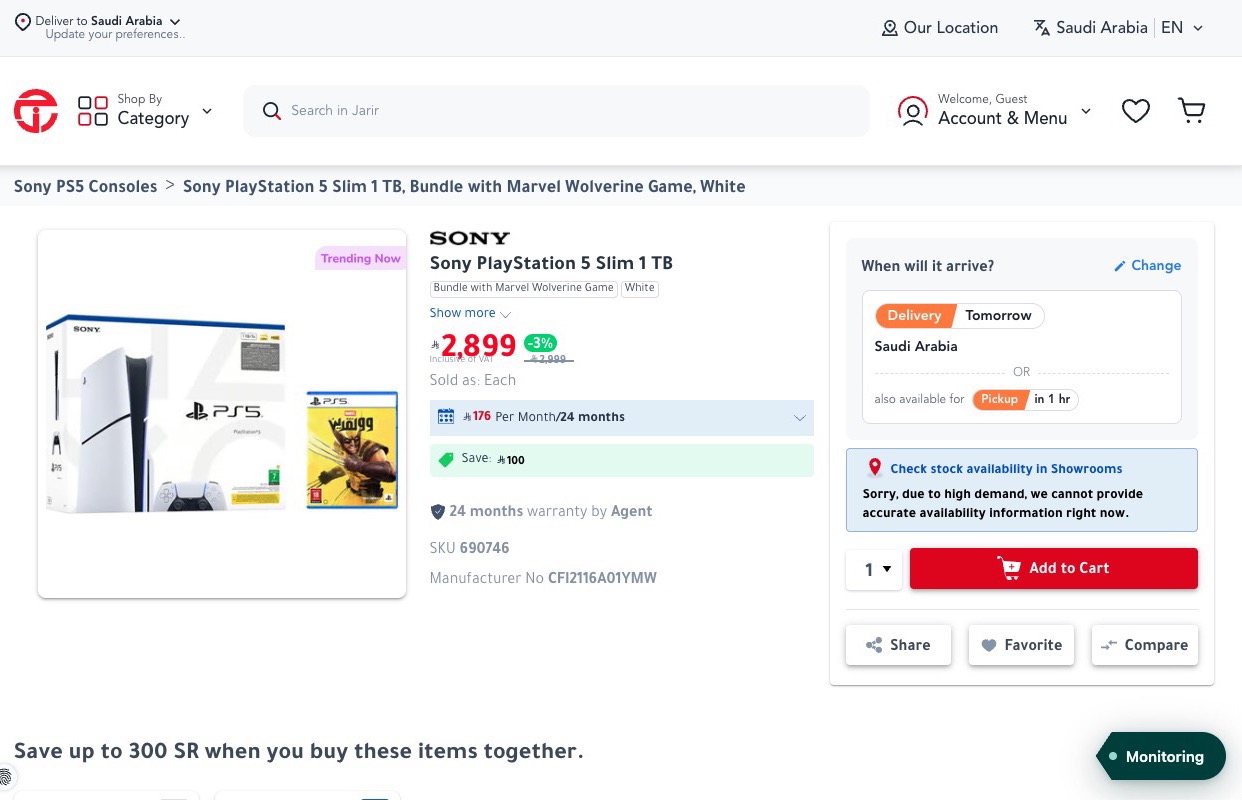
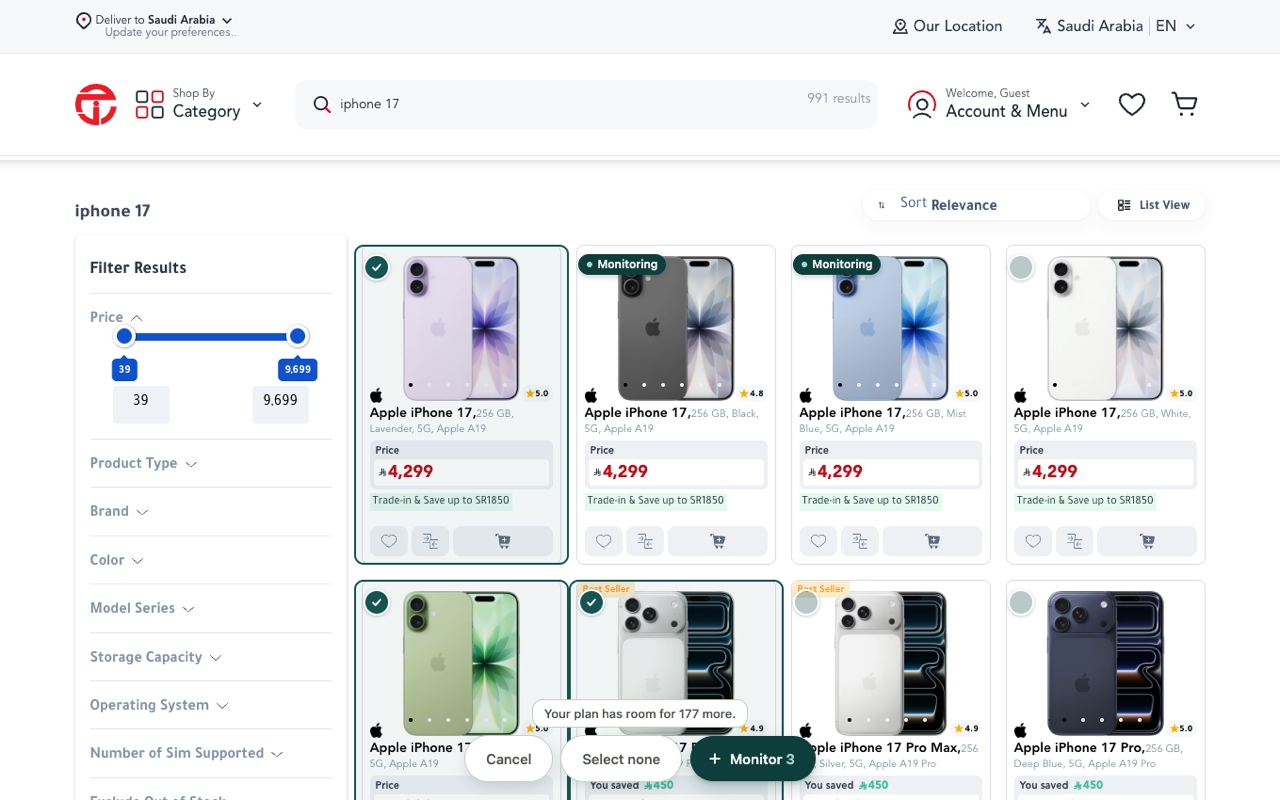
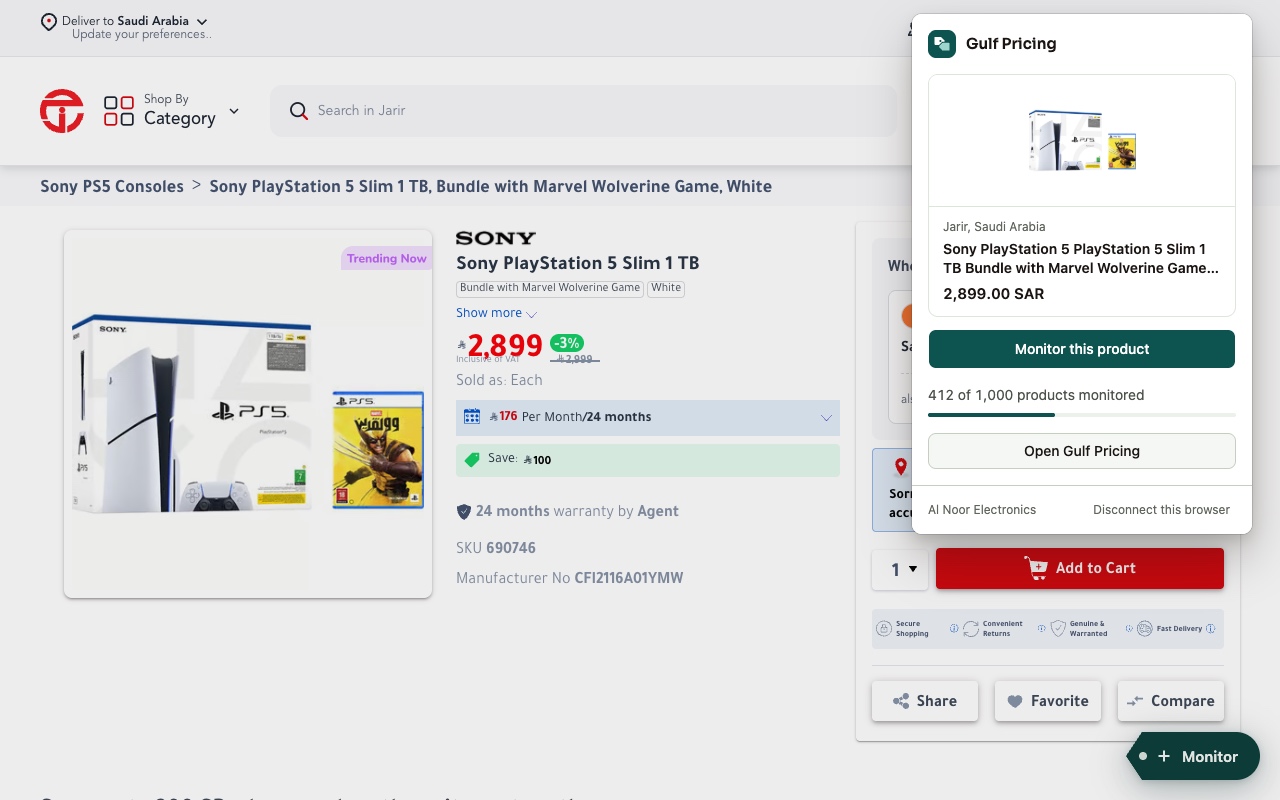
-
On a product page
Press Monitor on the tag in the corner.
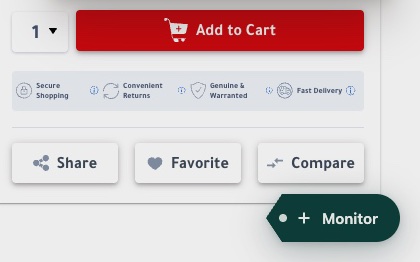
-
On a search
Press Select products, tick the ones you want, then press Monitor.
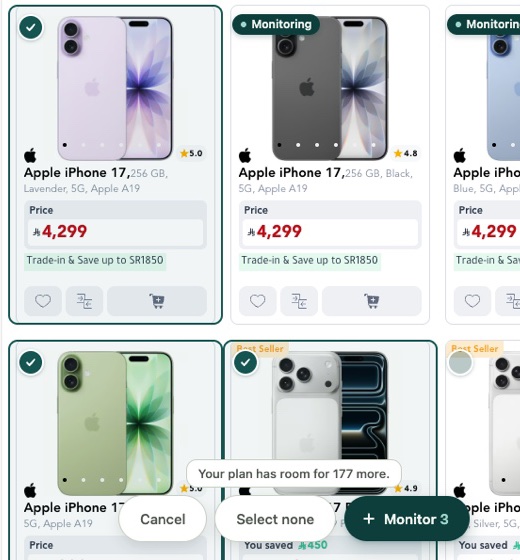
-
From the toolbar
Open the extension, then press Monitor this product.
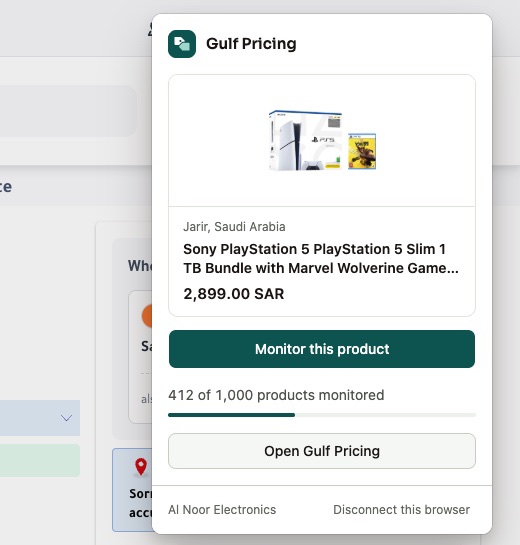
How to start
-
Add it to Chrome
Install it from the store, then press Connect in the tab it opens.
-
Connect your business
Sign in and pick which of your businesses the products go to.
-
Monitor from the shop
Open a product or a search on a supported shop and press Monitor.
What it reads and sends
- It reads the supported shops' pages in your browser to find the products on them.
- It sends the links of the products you choose to monitor to your Gulf Pricing account, and never the addresses of the other pages you visit.
- Once you connect it, it sends usage statistics to PostHog, our analytics provider, linked to your account, to improve the extension.
- You can disconnect a browser at any time, from the extension or from Settings in Gulf Pricing.

Bring your prices into focus.
Add the products you sell and see what Gulf retailers charge for them, each price in its own currency.
Your first 14 days are free.
Track up to 300 products, checked every 12 hours, with no card to enter.
Start free trialAlready have an account? Sign in